
K10 Motorsports
Sim racing content, tools, and technology

RaceCor.io
Our broadcast-grade sim racing HUD — real-time telemetry, AI commentary, WebGL effects, and HomeKit smart lighting. Built for iRacing.
Visit RaceCor.io→
Latest Videos
 23:46
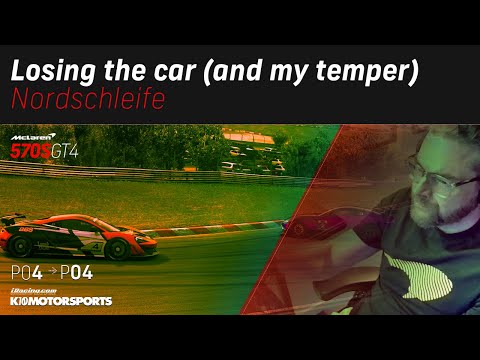
23:46Losing the car (and my temper) at Nordschleife while managing to maintain P4
6 views11mo ago
 1:01
1:01Testing out the MX-5 in iRacing at the Nordschleife with my newly isolated rig #iracing #mozaracing
49 views11mo ago
 19:43
19:43Trying to maintain top 10 position at Suzuka in GT4-class McLaren 570s in iRacing
9 views1y ago
 22:07
22:07Up and down the grid at Circuit de la Sarthe, Le Mans, in LMU
11 views1y ago
 14:35
14:35Taking my new Liquid Death MX-5 livery to my very first iRacing win at Virginia Int'l Raceway North
18 views1y ago
 16:36
16:36My heart was pounding during my second GT4 race in iRacing at VIRginia International Raceway
14 views1y ago
 50:09
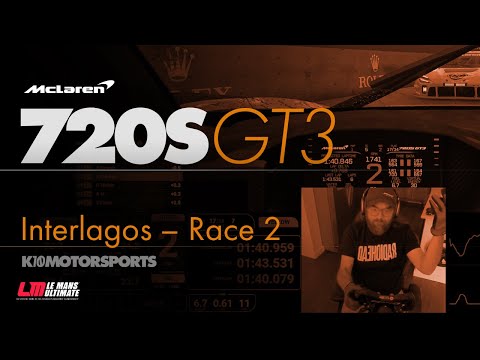
50:09Trying to improve on yesterday's race, got spun out in lap 7
22 views1y ago